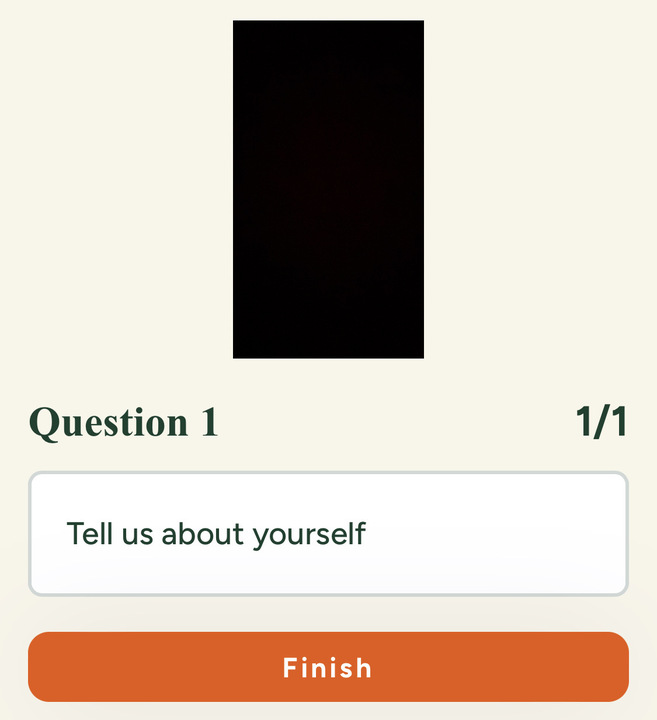
Congrats! If you have received an email to face an online interview that means, you have been shortlisted and the employer is interested in you.
As a candidate, you can face your online interview anytime you want using AsyncInterview, unless mentioned in the email.
If you are using a smartphone to face the interview, fear not! You can successfully face your interview on asyncinterview.ai by following the steps below:
Tips:
- Ensure your phone is fully charged.
- Place your device on a stable surface or lean it against another object to keep the camera steady.
- Ensure the best video quality possible.
- Open your email Inbox and go to the mail. Select Respond.
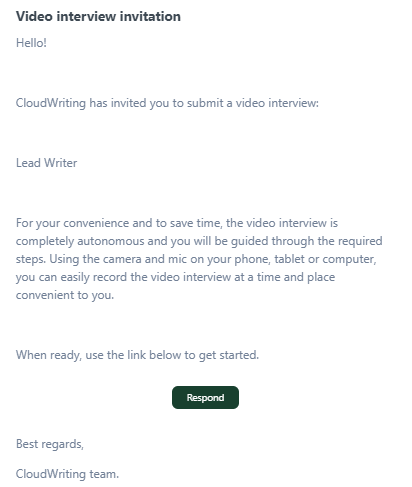
Tip: If you cannot locate the email, search for emails from contact@asyncinterview.ai.
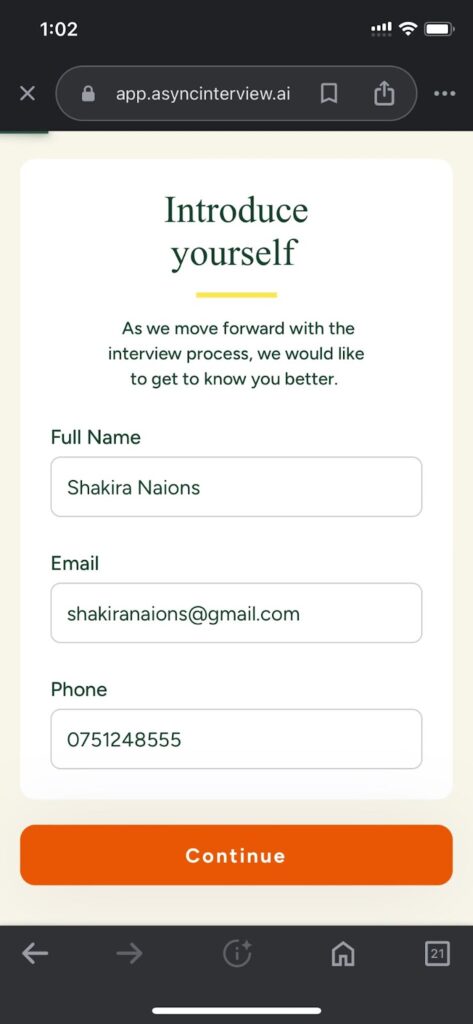
- Enter your name, email, and contactable phone number to introduce yourself. Click Continue.
- Now, you have landed on the interview. We recommend providing responses based on the questions.
Tip:
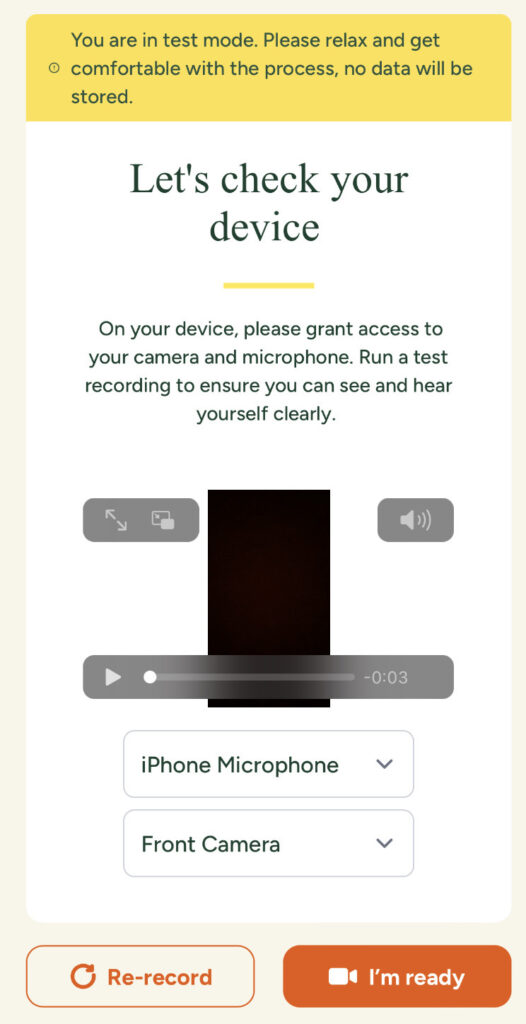
You will provided a step to test your device before providing audio-based or video-based answers in the interview.

Once you finish testing the device, select I’m Ready.
Read the instructions and select Start Interview:
- You can retry as much as you want. Once you complete the interview, click Finish.
Your last recorded interview will be shared with the employer.